Notifications
Default notification provider
By default unlock and progress notifications are displayed on the screen. The settings to control how these are displayed can be found in the ** MainNotificationProviderSettings ** struct in the settings menu.
Custom notification providers
As of version 1.10 you are now able to construct and register your own notification UIs to display achievement progress. These can have separate display properties to the default method.
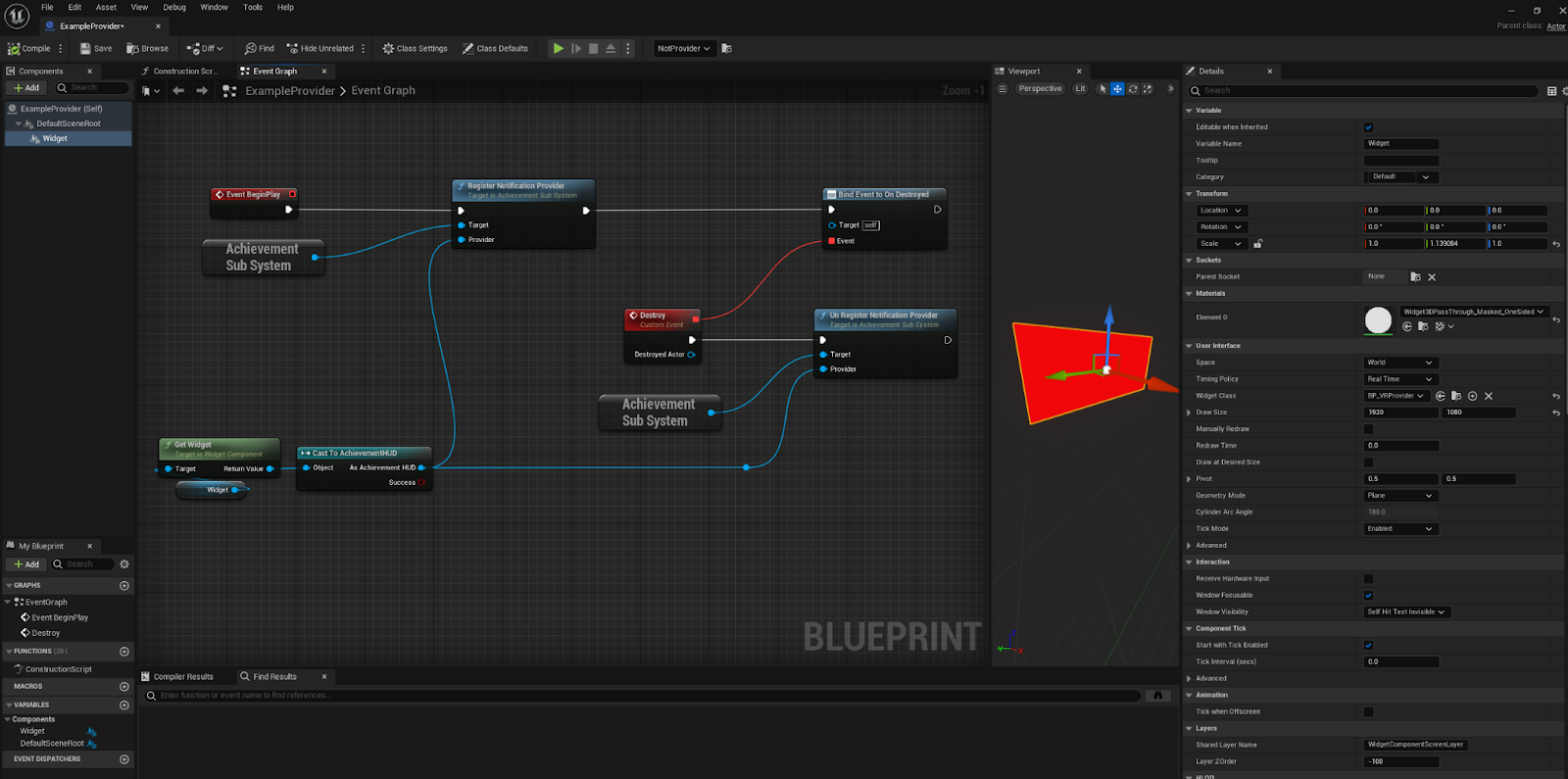
To create a custom hud make a blueprint subclass of ** ‘AchievementHud’ **. It must include a Canvas Panel Called ** ‘MainNotificationPanel’ ** this will be the parent for any notification spawned. Once an instance is created it must be registered with the achievement system. See example below
Example/Notes for VR.
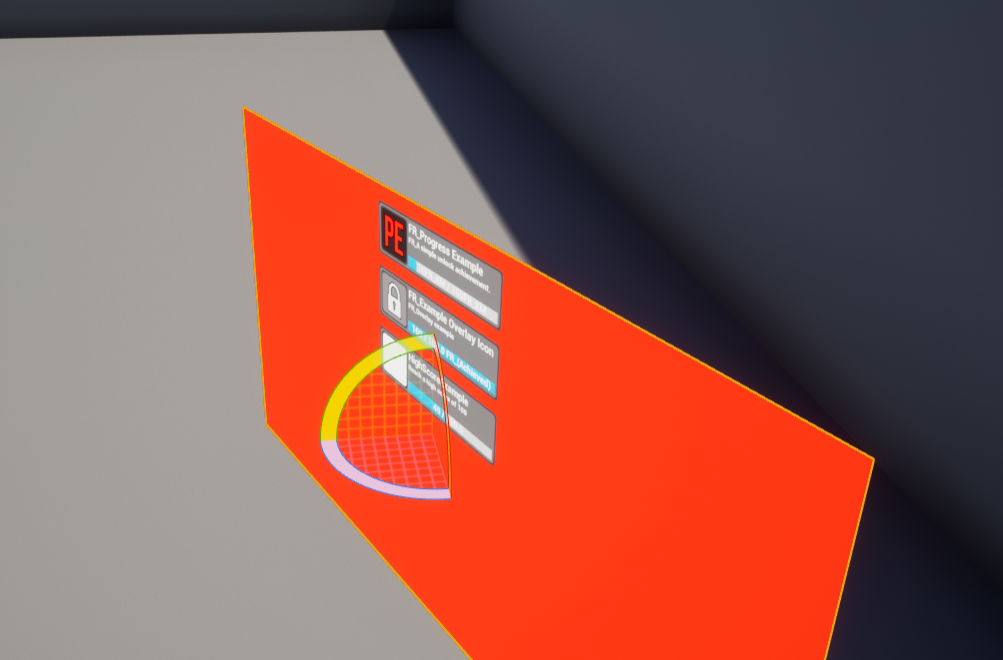
In the following example an actor has been created with a UI component with a subclass of AchievementHUD. This is then registered with the achievement system. This example allows notifications to be displayed within worldspace.